
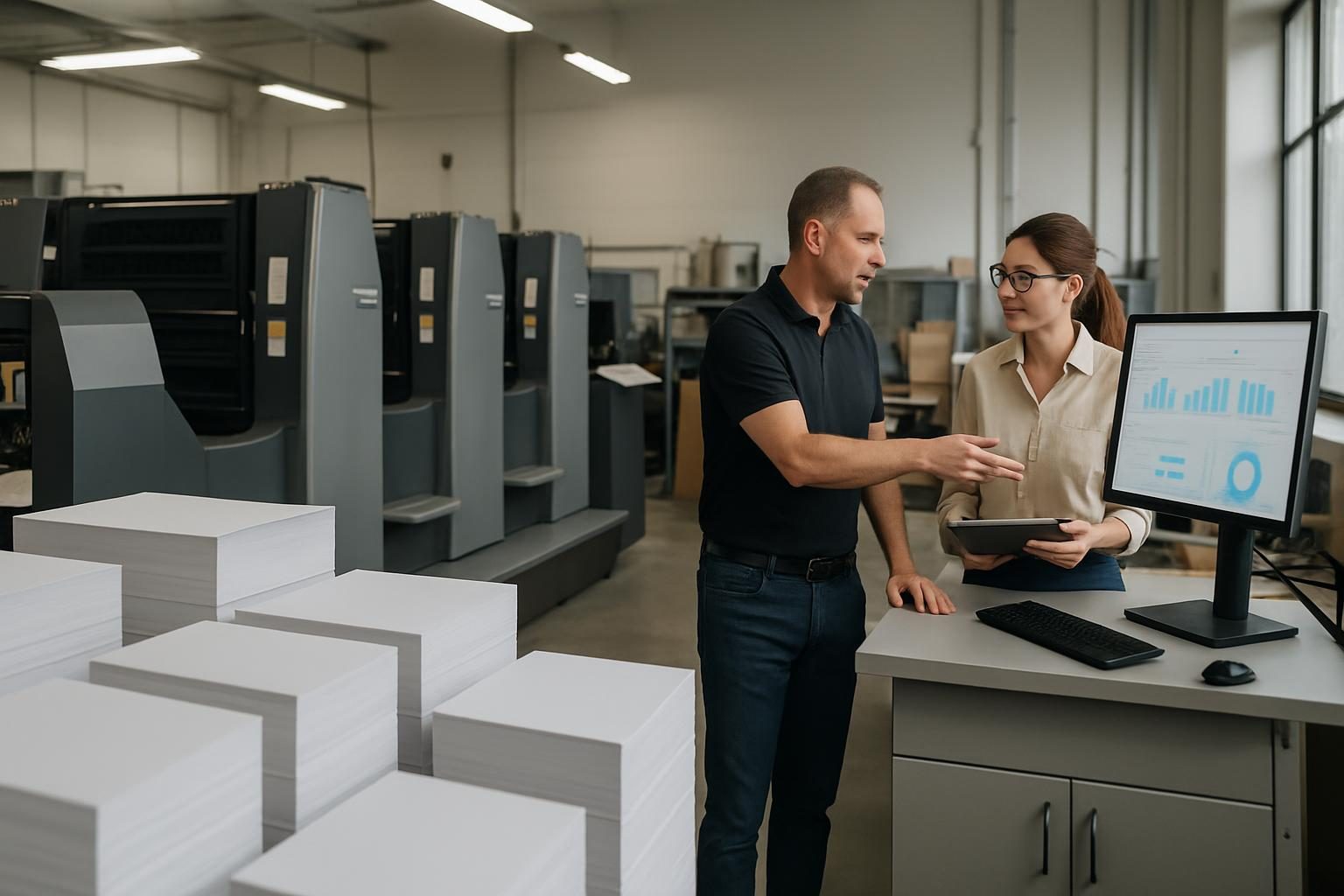
This case study explains how a mid-sized Kerala printing press reduced waste, labour time and order turnaround using a print management ERP. You’ll get practical steps, the main changes made and lessons any printing business can use to cut costs and improve reliability.
Why a print management ERP mattered
Printing presses often operate on tight margins. Manual job tickets, separate spreadsheets for inventory, and phone-based job updates create duplication, miscommunication and waste. A print management ERP brings job planning, inventory, invoicing and reporting into one system so the right decisions are made at the right time.
Initial challenges we commonly see
- Job planning was on paper or simple spreadsheets — leading to missed setup efficiencies and frequent rework.
- Stock control was reactive: raw materials were bought urgently or left unused until expired.
- Estimates and costing were inconsistent, so small jobs sometimes lost money after allowing for make-ready time.
- Communication gaps between sales, production and dispatch caused delays and repeated calls from customers.
Key features of the solution
Implementing a print management ERP focuses on a few high-impact modules. These are the changes most presses adopt first:
- Job management and scheduling: Centralised job tickets with estimated make-ready and run times. This enables better nesting and batching of similar jobs.
- Inventory and raw material tracking: Real-time stock levels, reorder alerts and batch tracking to reduce rush purchases and expired stock.
- Costing and estimating: Templates for consistent cost sheets that include machine time, labour and consumables to avoid underquoting.
- Shop-floor data capture: Simple time logs from operators or barcode scanning to track actual machine time vs estimates.
- Invoicing and reporting: Integrated invoicing, profit-per-job reports and dashboards that highlight bottlenecks and margin leaks.
Implementation steps (practical and low-disruption)
- Audit current processes: Map how jobs flow from enquiry to dispatch. Identify repeat patterns and material bottlenecks.
- Start small: Roll out job management and inventory first. These deliver quick wins in planning and stock control.
- Train operators: Short practical sessions for production staff on data capture; keep input simple — avoid complex forms.
- Run parallel for a month: Keep old records while the ERP runs in parallel so you can compare outputs and tune settings.
- Use reporting to change behaviour: Share simple reports in daily briefings — e.g., jobs delayed, material shortages, or machines running under capacity.
Typical cost savings and efficiency gains (what to expect)
While exact numbers vary, most presses adopting a focused print management ERP see improvements in a few predictable areas:
- Reduced material waste: Better stock visibility and batch planning reduce over-ordering and spoilage.
- Lower labour costs: Improved scheduling and accurate shop-floor time capture cut idle time and overtime.
- Fewer rush purchases: Reorder alerts and planning reduce premium costs for emergency procurement.
- Improved pricing discipline: Consistent costing stops underpriced jobs and protects margins.
These gains generally appear within the first 3–6 months after the ERP modules are stabilised.
Operational changes that matter most
- Batching and nesting: Grouping small jobs with similar substrates and colours avoids frequent make-ready and saves ink and time.
- Standard operating procedures (SOPs): Keep short SOPs for data entry and stock handling so accuracy is maintained without heavy supervision.
- Daily planning meetings: A 10–15 minute standup using the ERP dashboard aligns sales, production and dispatch.
Lessons and common pitfalls
- Don’t over-customise initially: Start with standard workflows and add custom features only after the team is comfortable.
- Keep operator input quick: Complex data entry kills compliance. Use barcodes or short pick lists.
- Measure the right KPIs: Focus on material usage, actual vs estimated run time, on-time delivery and profit per job — not vanity metrics.
Where to go next
If your press is ready to explore a print management ERP, begin with a short process audit and a pilot on a specific machine or job type. You can learn more about why printing presses move to ERP and what features to look for in this earlier guide: Why Printing Presses Are Moving to ERP Software (and What to Look For).
Conclusion
A focused print management ERP is a practical way for printing presses to cut costs, reduce waste and improve delivery without major capital investment. Start small, measure results and expand the system iteratively. If you’d like a free consultation or a pilot plan tailored to your press, request a free quote — reply within 24 hours at /contact.php#quote. For broader services including web presence, SEO and e-commerce support, see /services.php and our web design page /services.php#web-design.
Lee Info Solutions has worked with small and medium businesses across Kerala and beyond since 2007. Call +91 97450 45160 or email info@leeinfosolutions.com for a no-obligation discussion.



0 Comments